Marketing teams rarely miss deadlines because they lack ideas. They miss them because campaign pages, metadata updates, image prep, and final checks are spread across too many disconnected tools. A launch can stall when the landing page is ready in Elementor, the copy is approved in a doc, and the final WordPress checks still depend on manual admin clicks.
WordPress MCP for marketing teams is useful because it keeps those campaign tasks closer to the place where publishing actually happens. Instead of treating WordPress as the last manual step, the team can move brief preparation, page updates, SEO review, and pre-launch QA through a more controlled workflow.
Why this matters for campaign-driven teams
Marketing teams work on time-sensitive pages. Product launches, seasonal offers, webinar pages, lead magnets, and partner campaigns all depend on small details being correct at the same time. The page has to match the offer. The metadata has to support search and sharing. The CTA has to stay aligned with the campaign goal. Internal links need to point to live URLs, not drafts or guessed destinations.
That is where WEBOMCP becomes relevant. The practical value is not just AI-generated copy. The value is a WordPress-aware process that helps the team work through repeatable steps without losing context between planning, editing, SEO, and publishing.
What WordPress MCP changes in a marketing workflow
In a normal launch cycle, marketers often bounce between a brief, a draft, a design pass, SEO metadata, and final QA. That creates friction in exactly the places where campaigns are most fragile. A WordPress MCP workflow reduces that friction by making WordPress tasks easier to coordinate inside one operational path.
- Page copy can be prepared in a WordPress-ready format instead of cleaned up at the end.
- SEO titles and descriptions can be reviewed before someone rushes the publish step.
- Internal links can be added to verified live pages rather than improvised during launch.
- Image requirements can be handled with filenames, alt text, and placement in mind from the start.
- Final QA becomes a checklist step, not a vague “someone should double-check this” task.
A practical campaign workflow for marketing teams
A strong setup starts with a simple assumption: the team still owns approvals, but the handoff between tasks should be lighter. WordPress MCP helps most when it supports the workflow rather than trying to replace it.
1. Update the page structure and message first
When a campaign page lives in Elementor, the first priority is the offer itself. That means headline, CTA, proof points, and page sections should be aligned before the team worries about the final SEO polish. If your team already works with page-level reviews, the operational pattern is close to the one described in Elementor content QA with WordPress MCP.
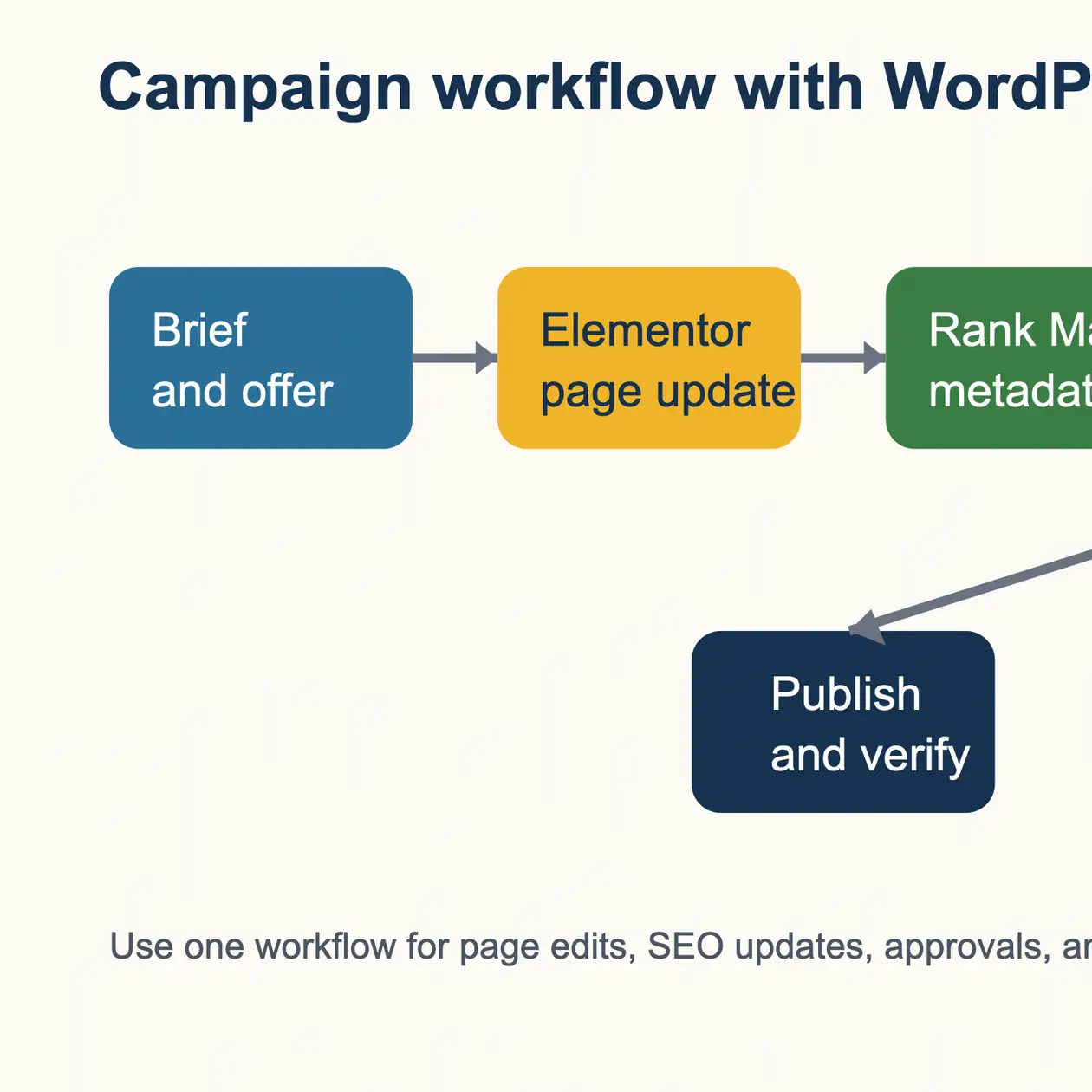
That sequence matters because marketers often try to optimize metadata before the final page message is stable. It is faster to lock the page structure first, then move into metadata and QA once the offer is no longer shifting.
2. Add metadata as part of the campaign package
Metadata should not be treated as a last-minute task. For a campaign page or launch article, the SEO title and description need the same review discipline as the visible page copy. If the team already uses Rank Math, the cleanest process is to bundle the title, description, and focus keywords into the same review pass that signs off the page. The underlying workflow is similar to the one covered in Rank Math SEO workflow for WordPress MCP publishing.
3. Run a real QA pass before publishing
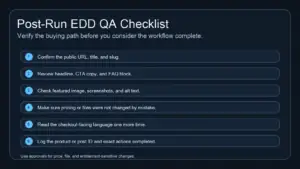
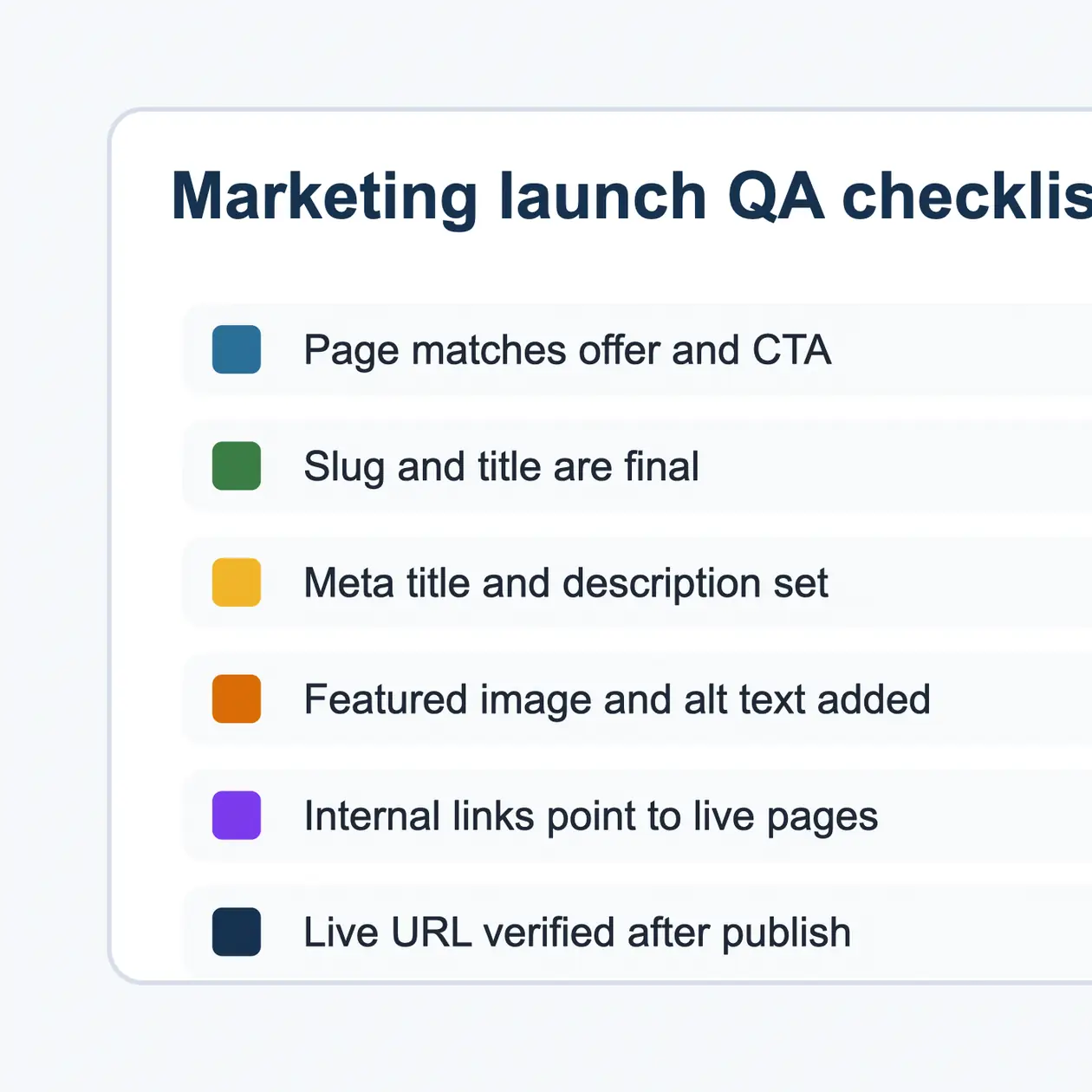
This is the step that most campaign teams underestimate. A page can look finished and still ship with a broken slug, weak share text, missing alt text, or an internal link that points to the wrong destination. QA should be specific and visible.
- Confirm the final slug and title match the campaign intent.
- Check the featured image and inline image alt text.
- Verify the CTA goes to the intended destination.
- Review internal links for accuracy and context.
- Open the live URL after publish and confirm the rendered page is correct.
That is especially important when marketing teams work closely with editorial teams. If your organization also produces recurring articles, the workflow overlap with WordPress MCP for content teams is significant: both groups benefit from cleaner approvals and fewer last-mile publishing errors.
Where teams usually lose time
Most marketing teams do not lose time on the big strategic decisions. They lose it on repeated administrative work:
- copying approved text into WordPress and reformatting it
- rewriting metadata after the page copy changes
- searching for the right existing page to link internally
- uploading images without clear alt-text standards
- asking for one more manual check after the page is already supposed to be live
Those delays add up. A WordPress MCP workflow is most valuable when it reduces repetitive operational drag without removing the team’s editorial or commercial judgment.
How WEBOMCP fits a launch-oriented setup
WEBOMCP is easier to evaluate when you look at it as a workflow layer around WordPress tasks, not just a content tool. The main site explains the broader product direction, while the verified WEBOMCP Addons page shows how specialized workflows can be extended for different WordPress responsibilities.
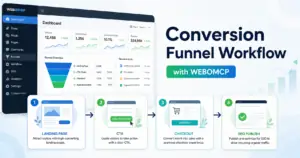
For marketing teams, that means one workflow can support page preparation, metadata coordination, internal linking, and publish verification without forcing the team to treat every campaign like a custom manual process. The goal is not to automate judgment. The goal is to reduce operational waste around WordPress execution.
Conclusion
WordPress MCP for marketing teams is most effective when campaigns depend on repeatable publishing discipline. If your team regularly launches landing pages, campaign articles, or offer updates inside WordPress, the biggest win is not more text generation. It is a cleaner path from brief to live page with fewer avoidable mistakes.
If you want to see how that workflow can extend across WordPress publishing tasks, review the live WEBOMCP Addons stack and explore how WEBOMCP approaches SEO, page QA, and launch operations from inside WordPress.
FAQ
Is WordPress MCP only useful for content teams?
No. Marketing teams benefit when they manage recurring landing pages, launch pages, offer updates, and SEO checks inside WordPress.
Does this replace human review?
No. The strongest setup still keeps marketing, editorial, and SEO approvals in place. The workflow improves coordination; it should not remove judgment.
What is the most common mistake in campaign publishing?
Teams often treat metadata, internal links, and final QA as separate last-minute tasks. That is exactly where avoidable publishing errors happen.
CTA: Explore the live WEBOMCP workflow and addon stack to see how your team can standardize WordPress launch operations without adding more manual admin steps.