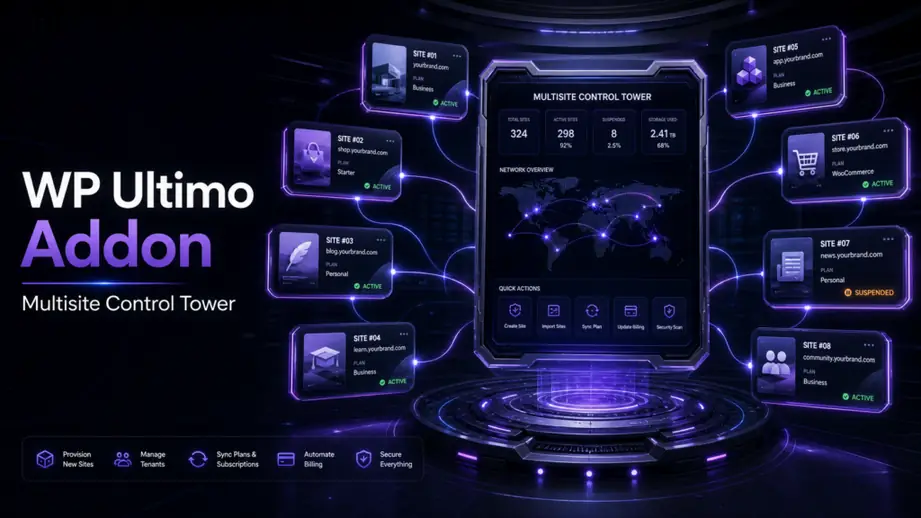
WP Ultimo is powerful for productizing WordPress multisite, but the operational work around it usually breaks down first. Teams still need to review site requests, provision tenants, update content, coordinate support, and keep risky network changes under control. That is where a structured WordPress MCP workflow becomes useful.
A practical WP Ultimo workflow with WordPress MCP is not about letting AI “run the whole network.” It is about giving AI a narrow operational lane: read the request, call the right WordPress action, log what changed, and stop at approval points when the change is sensitive.
What a WP Ultimo workflow with WordPress MCP actually means
In practical terms, this workflow connects three layers: the operator request, the MCP bridge, and the WordPress actions that affect your multisite environment. Instead of bouncing between chat, wp-admin, spreadsheets, and support notes, the team can coordinate common tasks through one repeatable runbook.
That matters more in multisite than in a single-site setup. A small mistake can affect tenant onboarding, plan access, templates, billing-related flows, or the content state of multiple customer sites.
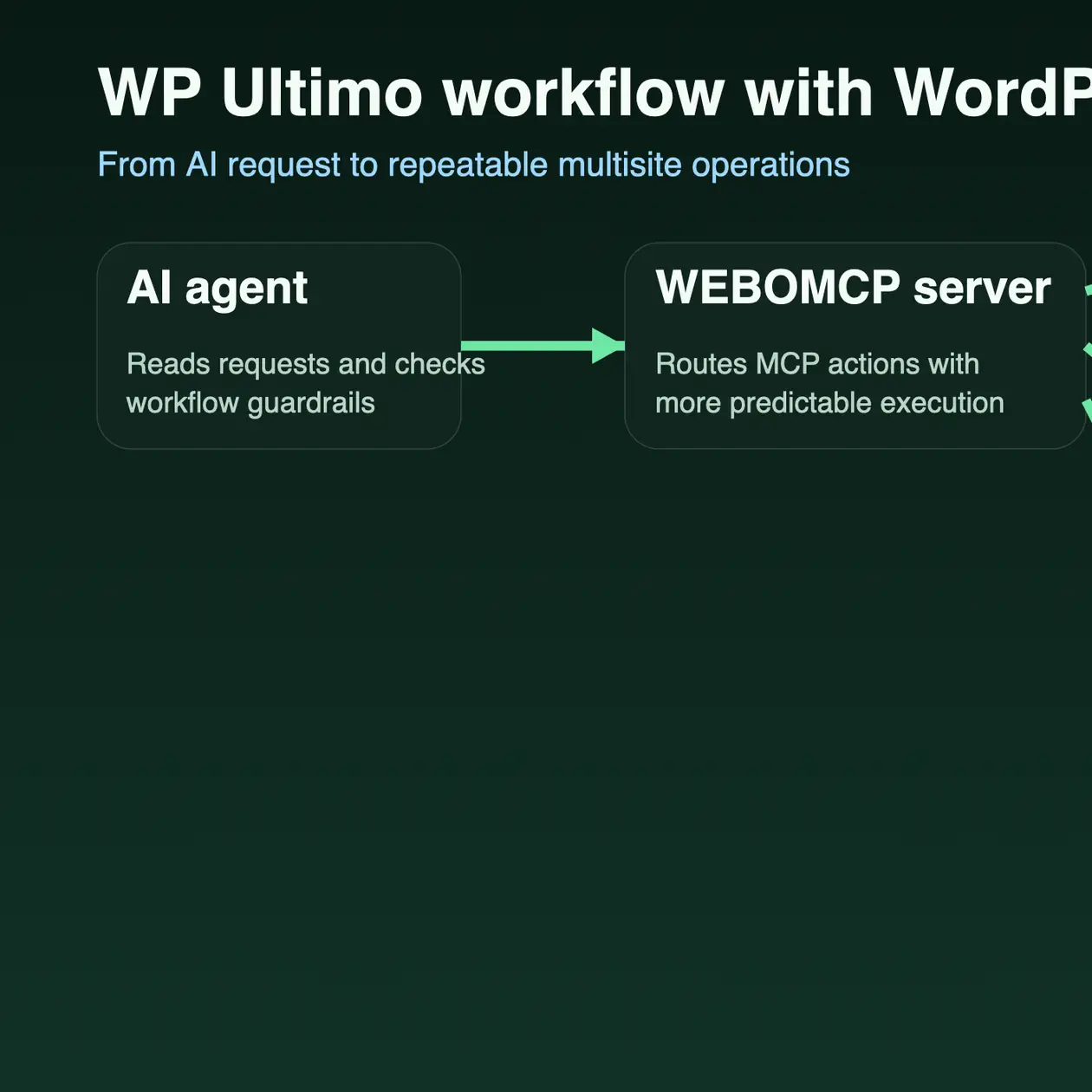
The core idea is simple: AI helps with structured operational steps, while humans still define permissions, scope, and approval rules. If you are new to the bridge itself, start with what a WordPress MCP plugin does before you automate network tasks.
Why WP Ultimo teams need a workflow instead of ad hoc prompting
Most multisite teams do not struggle with one big task. They struggle with repeated small tasks that arrive from many directions: launch a new site, update a default page, check plugin status, revise plan messaging, or prepare a tenant handoff. Ad hoc prompting turns those tasks into inconsistent one-off actions.
A workflow-based approach is better because it gives you:
- clear inputs before any site change starts
- site targeting so the wrong tenant is not touched
- approval points for network-wide or customer-facing edits
- repeatable logs for support and operations teams
- a safer handoff between content, growth, and platform operators
This is similar to why human-in-the-loop approvals matter. Multisite operations need explicit checkpoints because the blast radius is larger than a normal blog update.
Common WP Ultimo tasks that fit MCP well
Not every task should be automated first. The best starting point is the work that is repetitive, well-scoped, and easy to verify after execution.
Strong early candidates usually include:
- site intake preparation before a new tenant launch
- page or content updates on a specific customer site
- template or default copy refreshes across a controlled set of sites
- plugin and settings review on selected tenant sites
- support-oriented operational notes that need a clean audit trail
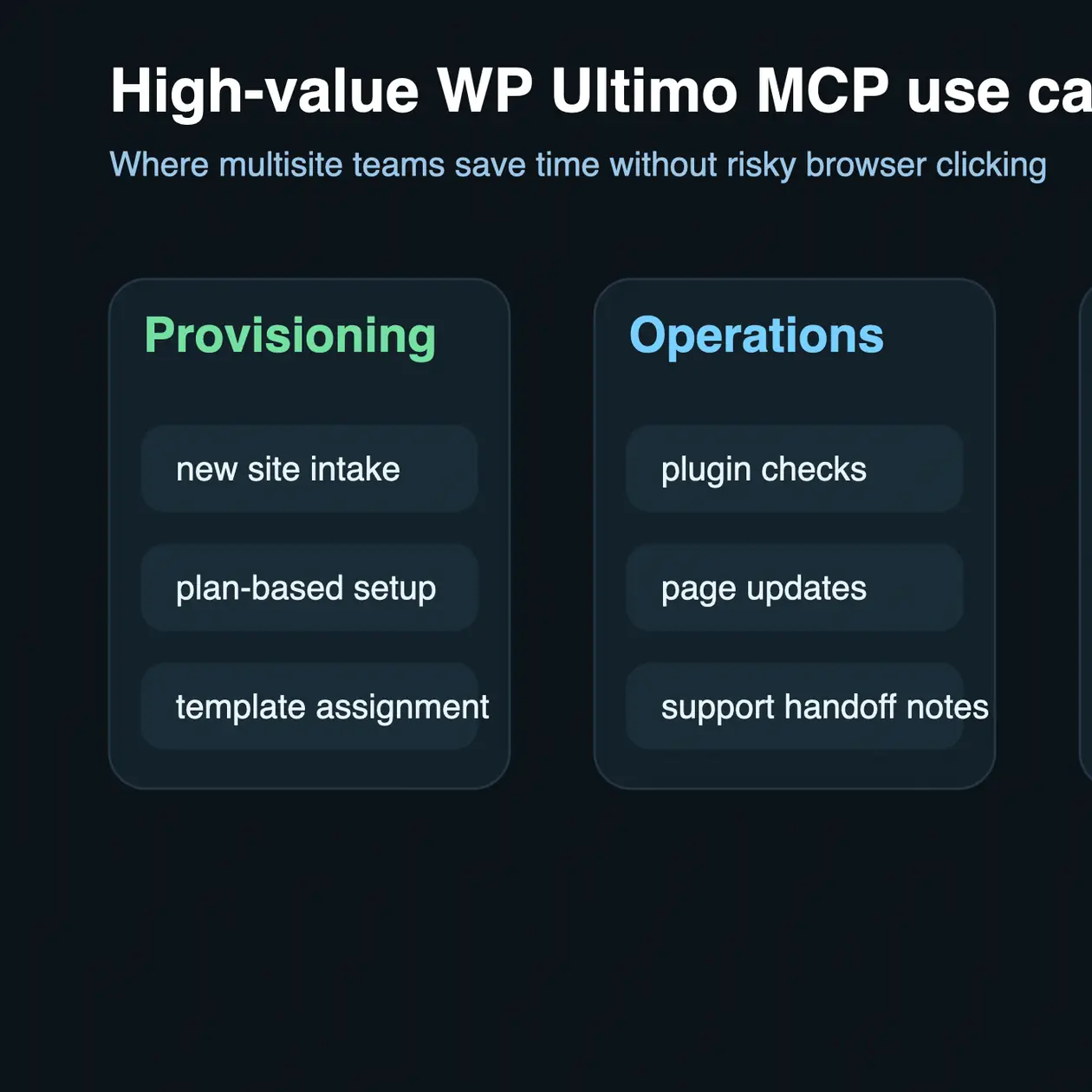
These use cases are valuable because they combine structured data with easy QA. A support lead or network admin can check the result quickly instead of guessing what an AI agent changed.
Example workflow: from intake to live site action
Consider a platform team that receives a request to launch a new tenant with a starter homepage, standard plugin set, and a short onboarding checklist. A clean MCP workflow can break that job into controlled stages.
1. Validate the request
Confirm the target plan, the correct site owner, the requested template, and whether the action applies to one site or multiple sites. This is also the point where you enforce least-privilege rules.
2. Prepare the tenant action set
Generate a task list that maps the request to specific WordPress operations. For example, create the site, assign roles, publish base pages, and apply the approved content package.
3. Run only the approved actions
The MCP bridge should call the allowed operations one by one, not as a vague all-in-one prompt. That keeps error handling and rollback more realistic.
4. Review the result
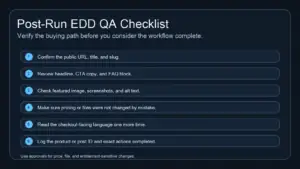
Check the public URL, page titles, navigation, critical plugin state, and any customer-facing copy. When a run includes content publishing, a slug-first check prevents duplicate pages and unstable URLs. That same pattern is explained in this slug-first publishing guide.
5. Handoff with logs
Record the site ID, operator, time of execution, and the exact actions completed. In a multisite environment, this operating record is part of the product quality, not just internal documentation.
What to keep manual in a WP Ultimo setup
The safest automation programs do not try to automate everything. Some decisions should stay manual unless your team has already built strong safeguards.
Keep these areas behind a person-reviewed checkpoint:
- network-wide setting changes
- billing-sensitive or plan-sensitive operations
- bulk content changes across many tenant sites
- permission changes for customer or staff roles
- deletions, destructive actions, and irreversible migrations
This is also where your security policy matters. Before expanding any operational lane, review the access model in these WordPress MCP security best practices.
How to roll out the workflow safely
The first production mistake most teams make is giving AI a wide network lane before they have stable review rules. A better approach is to start narrow, measure results, and expand only after the QA path is boringly reliable.
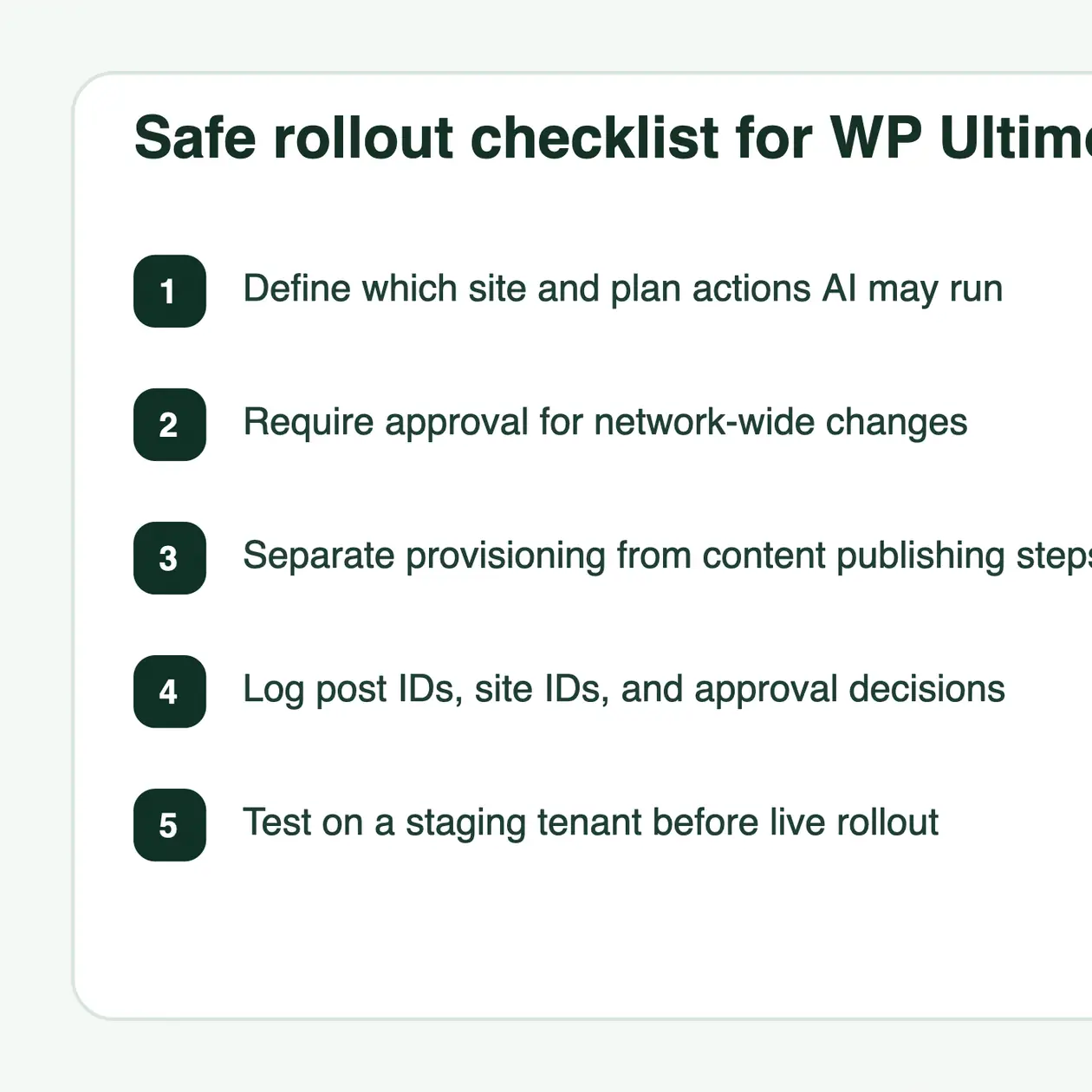
A safe rollout usually looks like this:
- start with one tenant type or one internal use case
- limit actions to read, draft, or low-risk update operations first
- require approval for network-impacting changes
- test every workflow on staging before using it on customer sites
- document rollback steps before the workflow is used at scale
If your broader goal is to turn WordPress into a more structured operational surface, the current WEBOMCP addon stack shows how these workflow lanes fit together across SEO, ecommerce, performance, multisite, and digital delivery.
Where WEBOMCP fits
WEBOMCP is useful here because it gives teams a controlled bridge between natural-language instructions and real WordPress actions. In a WP Ultimo context, that bridge is most valuable when you need cleaner coordination between request intake, tenant operations, and operator review.
The point is not to remove the platform team. The point is to reduce repetitive admin work, make execution more consistent, and keep the workflow inspectable when several people touch the same multisite system.
Final takeaway
A strong WP Ultimo workflow with WordPress MCP starts with narrow scope, explicit approvals, and tenant-aware actions. When the workflow is well designed, AI becomes useful for real multisite operations without turning your network into an uncontrolled prompt surface.
If you want to build that kind of workflow, review the WEBOMCP platform, map the exact WP Ultimo actions your team repeats every week, and start with the lowest-risk automation lane first.
FAQ
Can WordPress MCP automate every WP Ultimo task?
No. It is better to start with scoped, repeatable tasks and keep billing-sensitive, destructive, or network-wide actions behind human review.
What is the best first WP Ultimo workflow to automate?
Most teams should begin with request intake, selected tenant content updates, or non-destructive site preparation tasks that are easy to verify afterward.
Why is approval design more important in multisite?
Because one mistake can affect multiple tenants, plans, or customer-facing experiences at once. The larger the blast radius, the more explicit the approval path should be.
CTA: Want a safer way to run WordPress operations through AI? Start with WEBOMCP and expand into focused workflow lanes only when the use case is clear.